 Try this styleon your selfie · free
How to Use AI Try-On to Plan Your Entire Glow Up
Published June 23, 2026
Stop gambling at the salon — preview every haircut, color, and look on your actual face first.
Why Previewing Beats Guessing
The most expensive glow-up mistakes are the irreversible ones: the haircut that didn't suit your face shape, the color that washed you out, the bold makeup look that felt wrong the second you tried it. Traditionally, the only way to find out was to commit — sit in the chair, spend the money, and hope. AI try-on flips that. By generating realistic previews of styles on your own selfie, you get to make the trial-and-error free, instant, and low-stakes. This suits anyone considering a real change, especially big swings like a dramatic chop or going from dark to blonde. The point isn't to replace your eye or your stylist; it's to walk into decisions informed instead of hopeful. Seeing ten versions of yourself in five minutes does more to clarify what you actually want than scrolling inspiration photos of strangers ever could.
Start With a Good Selfie
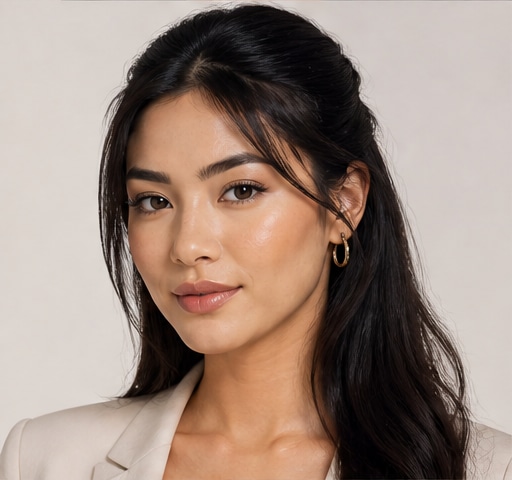
AI previews are only as good as the photo you feed them, so the input matters. Use a well-lit selfie — natural daylight near a window is ideal — facing the camera straight on with your full face and hairline visible. Pull hair back from your face so the tool has a clear canvas to work with, and keep a neutral, relaxed expression. Avoid heavy filters, extreme angles, or harsh shadows that distort your actual features. A clean, honest photo gives you results that genuinely reflect how a style would look on you, not on an idealized version. Take a few options and pick the clearest one. This single step is the difference between previews you can trust and previews that mislead you. Treat the selfie like the foundation of the whole experiment, because everything you decide flows from it.
Plan Each Layer of Your Glow-Up
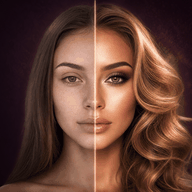
A full glow-up has layers, and you can preview each one. Start with hairstyle — test different lengths and cuts against your face shape to see what frames you. Then explore hair color, which is the highest-risk real-world change and the one most worth previewing, since a bad dye job is costly and slow to fix. Next, try makeup looks, from a soft everyday face to a bold going-out beat, so you know what suits you before an event. You can even explore full transformations that combine all of these at once. The smart move is to change one variable at a time first, then combine your favorites, so you understand what each element contributes. With GlowMaxing you can preview hairstyles, colors, makeup, and full glow-up looks on your own selfie before you commit to any of it.
Turn Previews Into Real Decisions
Generating previews is fun, but the goal is action, so build a shortlist. As you try looks, save the three or four that genuinely make you do a double-take — the ones where you think that's me, not just that's interesting. Notice patterns: maybe warmer tones consistently flatter you, or shorter cuts suit your face better than length. Take your favorite previews to your stylist as a clear reference, which removes the miscommunication that causes so many salon disappointments. For makeup, recreate the look you liked using products you already own. Use the previews to set a realistic budget and sequence — what to change first, what can wait. The previews aren't the glow-up; they're the blueprint that makes the real changes confident and intentional instead of impulsive and regretted.
Keep It Honest and Realistic
AI previews are a planning tool, not a promise. Remember that a generated image shows a style on your features, but real results depend on your hair's actual texture, length, condition, and your stylist's skill — a color that looks effortless on screen might take multiple salon sessions in reality. Use previews to narrow choices and spark ideas, then have a candid conversation with a professional about what's achievable for your specific hair. Don't chase a preview so heavily edited it stops looking like you; the goal is enhancing yourself, not becoming someone else. And keep perspective — previewing should make you excited about possibilities, not insecure about your current face. Used well, AI try-on removes fear from change. You get to experiment endlessly, discover what you love, and commit only when you're genuinely sure. That confidence is the real upgrade.
The quick checklist
- Use a well-lit, straight-on selfie with hair pulled back
- Skip heavy filters and extreme angles for honest results
- Change one variable at a time before combining looks
- Preview color first — it's the riskiest real-world change
- Save your three or four strongest looks as a shortlist
- Bring favorite previews to your stylist as a reference
- Discuss what's realistic for your hair's actual texture
- Treat previews as a blueprint, not a guarantee
✦ Free to start✨ Try these looks on your own selfie with GlowMaxing →Upload one selfie and try any hairstyle, color or makeup look instantly with AI. Free to start.Download on theApp Store